
Choose a finished design.
Browse curated layouts for weddings, birthdays, Christmas, new homes, retirement and more. Change the names, date or message while keeping the composition.
BROWSE DESIGNS →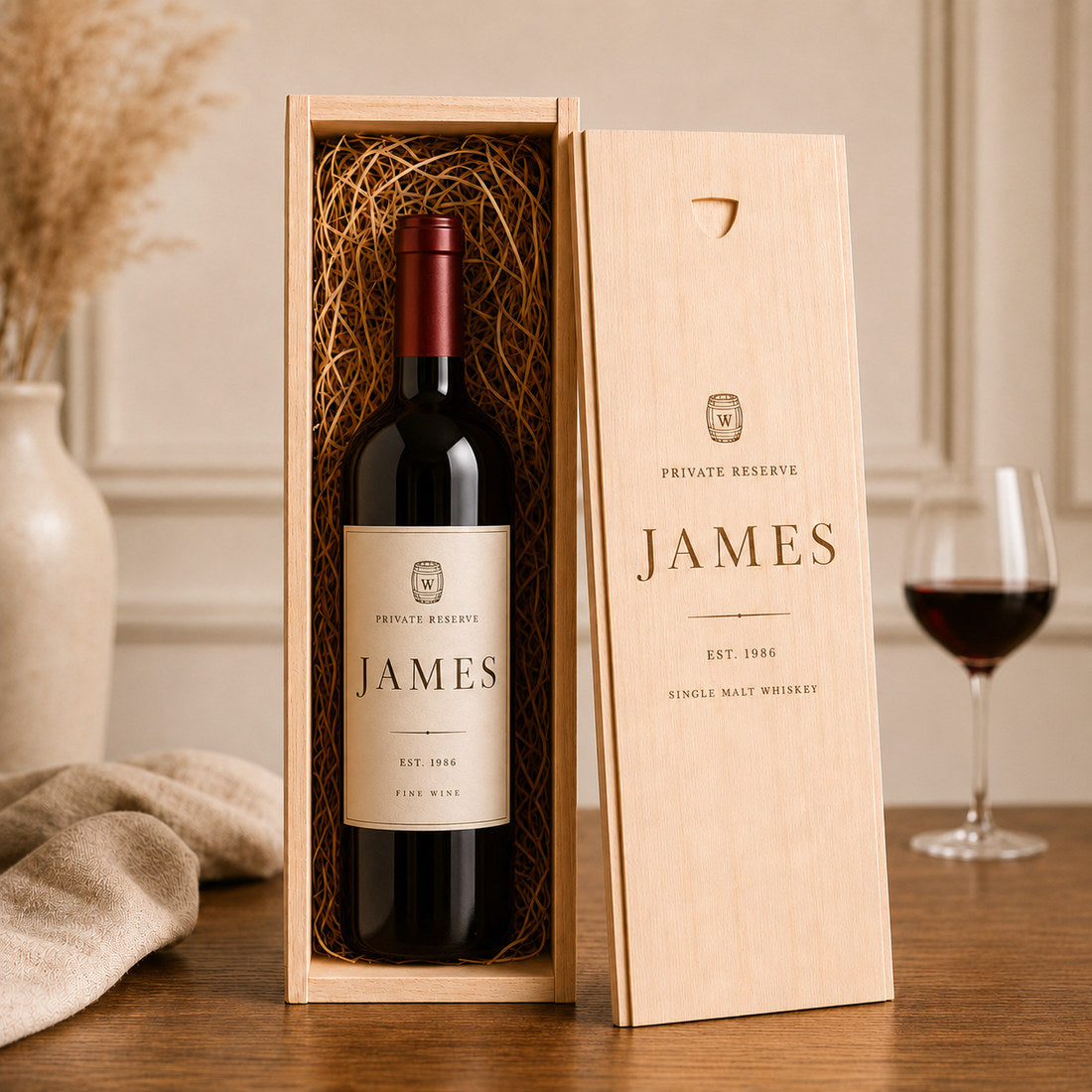
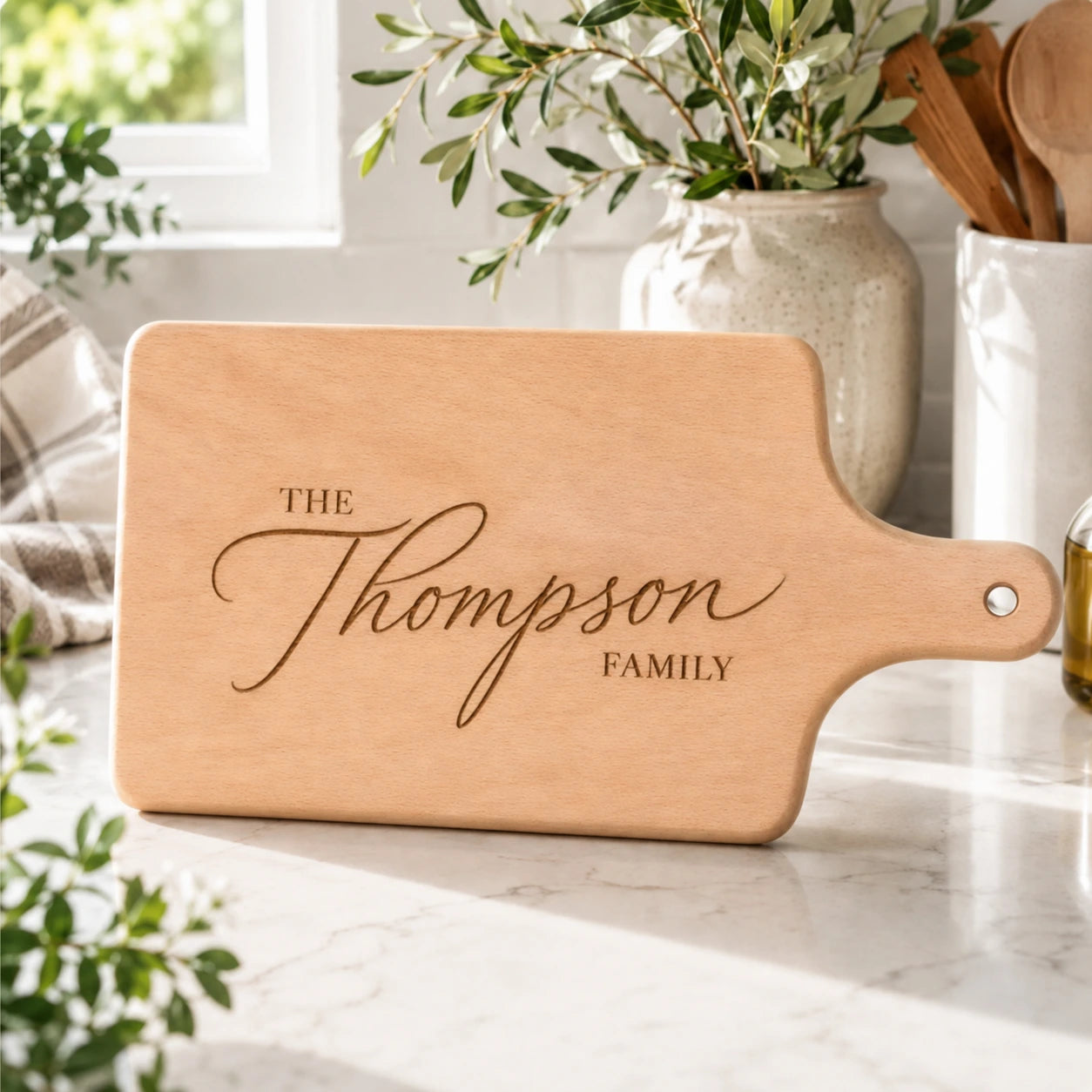
PERSONALISATION GUIDE
Names, dates, photos, logos and complete Vinovo Atelier designs. This guide shows exactly how to create a personalised gift that engraves beautifully.
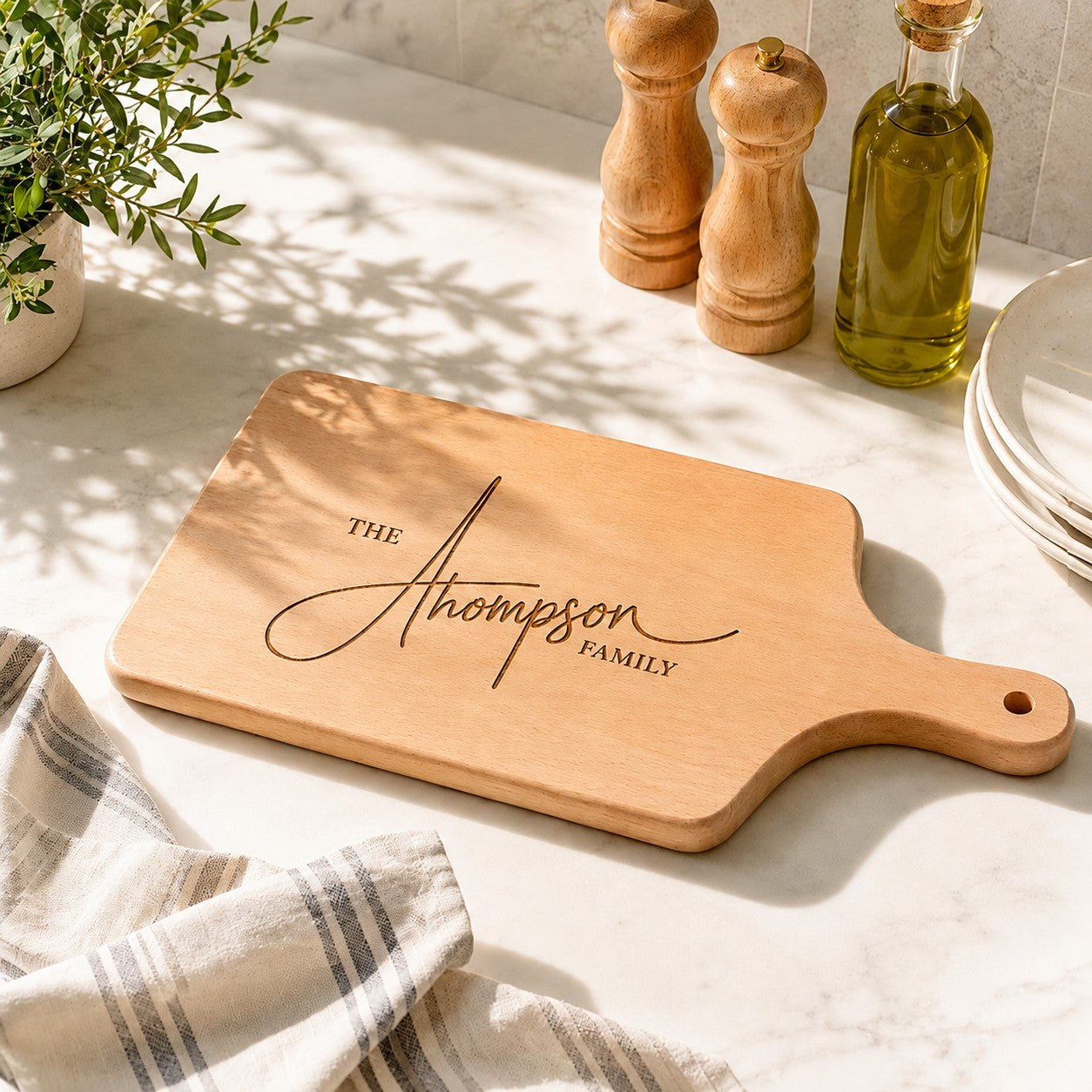
START HERE
Choose a ready-made composition from the Vinovo Atelier, or create something entirely your own on the product page.
Browse curated layouts for weddings, birthdays, Christmas, new homes, retirement and more. Change the names, date or message while keeping the composition.
BROWSE DESIGNS →Enter your own text, choose a font and — on supported products — upload a photo, logo or artwork. The live preview helps you understand the placement.
CHOOSE A PRODUCT →THE PROCESS
Pick the gift and size that suits the occasion.
Names, date, year, message or company details.
Add one photo, house image, pet portrait or logo where supported.
Check the visual guide. We refine spacing and placement before production.
CHOOSE A FONT
Use the font selector on the product page to match the person and occasion. Script fonts feel romantic and personal; serif fonts feel timeless; clean fonts feel modern.
 PHOTO & ARTWORK ENGRAVING
UPLOADS
We translate the important contours and details into an engraving-ready result. A strong source image makes that translation much better.
Don’t worry about the background. For many photo engravings, distracting background information can be simplified or removed so the subject remains the focus.
THE LIVE PREVIEW
Your on-screen preview helps you check wording, hierarchy and general placement. Wood grain, product dimensions and the final engraving process mean the finished result can never be represented pixel-for-pixel on a screen.
Before engraving, Vinovo reviews the layout and refines spacing, scale and placement where needed.
WHAT CAN I SEND?
Names, dates, short messages, quotes and company details.
People, pets, houses, vehicles or meaningful objects on supported products.
Business marks and simple artwork work particularly well for corporate gifts.
JPG, JPEG, PNG, WEBP and common artwork formats where the product uploader supports them.
QUESTIONS, ANSWERED
Personalisation should be exciting, not confusing. Here are the questions customers ask most often.
Still need help? Contact us →Yes, on compatible products you can make limited size and position adjustments. We intentionally keep the controls constrained so the engraving stays within a safe, premium-looking area.
On supported products, yes. Use a clear, high-resolution file with one obvious subject whenever possible. Logos and simple artwork generally engrave especially cleanly.
The preview is a visual guide. Before production, Vinovo reviews the composition and may refine scale, spacing and placement so the engraving suits the actual product.
No. The live preview is designed to avoid a separate proof stage and keep production moving quickly. We still review the final layout before engraving.